Choosing an IPTV box: what actually matters
An IPTV box is a small device that plugs into your television over HDMI and streams channels from the internet. The market runs from CA$60 sticks to CA$250 media machines, and the specification sheets are close to useless for telling them apart. Here is what genuinely changes the experience — and what does not.
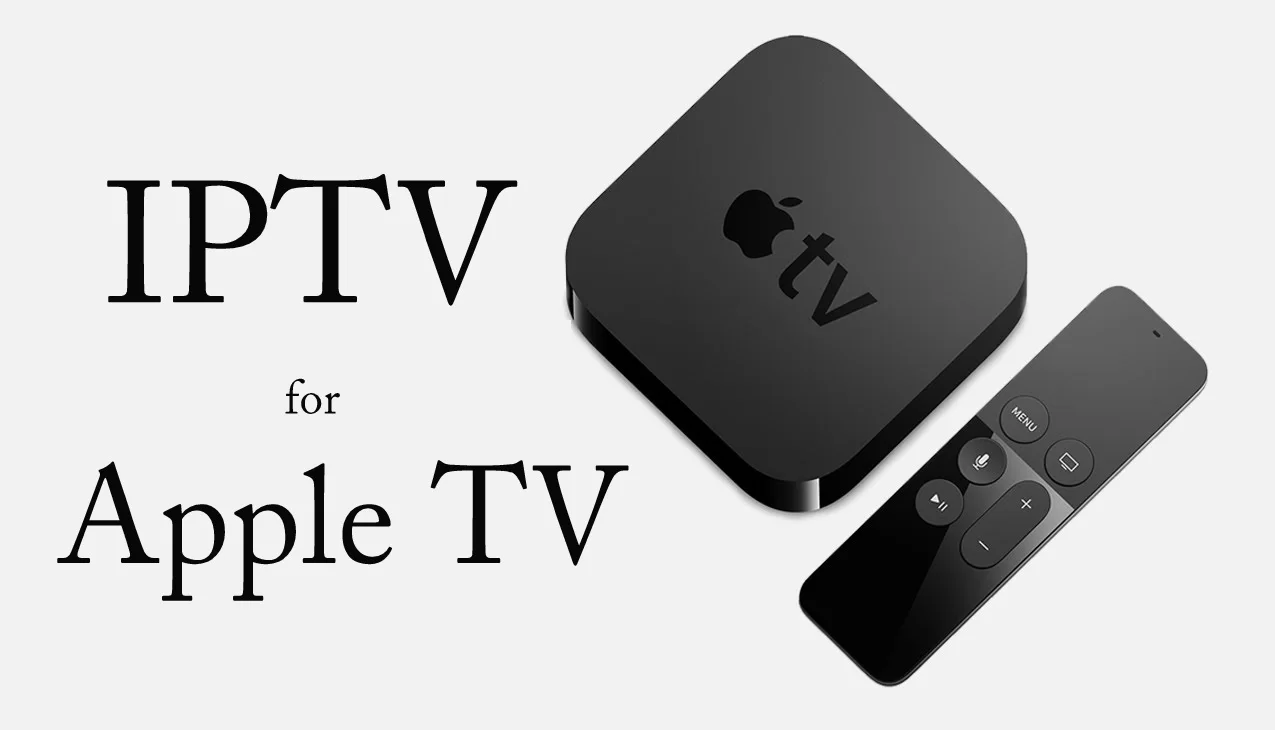
What an IPTV box actually is
A media centre that connects to the internet by Ethernet or Wi-Fi and streams television digitally instead of receiving it from a cable or a dish. On top of live channels you get on-demand content and interactive functions — pause, rewind, and catch-up on channels whose source permits it. The box is only half the equation: you also need a subscription from a provider who supplies the channels, which is where a Channelux line comes in.
A dedicated box is not the same as a smart TV app. You can install IBO Player on a Samsung or LG set directly and it works fine. But a box usually gives you a faster interface, a broader choice of applications and a longer software-support life — and when you replace the television, the box comes with you.
The three kinds of box
Android boxes
These run the Android operating system, so you can install applications from the Play Store as well as sideloaded ones. That makes them the natural choice if you want IPTV alongside other streaming services on the same device. Usability is high for anyone already familiar with Android.
Watch for certification: uncertified Android boxes are limited to standard definition on some mainstream streaming apps. It does not affect your Channelux channels, but it affects the rest of what you would use the box for.
Linux boxes
Linux boxes run a purpose-built IPTV interface with no general application layer. Zapping between channels is noticeably faster than on Android — usually under a second — and the guide integration is tighter because the whole operating system was designed around it. The trade is that you cannot install anything else. If the box is for IPTV and nothing else, that is not a limitation, it is a feature.
Hybrid boxes
Some manufacturers put Android hardware underneath their own IPTV interface. You boot straight into an optimised television portal but still have the Play Store when you want it. In practice this is the best of both worlds and it is where most of the mid-priced market has landed.
Comparison at a glance
| Type | Best for | Zapping speed | Other apps | Price band |
|---|---|---|---|---|
| Android box | IPTV plus general streaming | 1–2 seconds | Yes, full store | CA$70–160 |
| Streaming stick | Budget entry, second rooms | 1–3 seconds | Yes, limited store | CA$45–80 |
| Linux box | Pure IPTV, fastest zapping | Under 1 second | No | CA$110–190 |
| Hybrid box | Best all-round balance | Under 1 second | Yes, full store | CA$120–200 |
| High-end media box | IPTV, gaming and a media server | 1–2 seconds | Yes, full store | CA$200–260 |
What to look at before you buy
The remote control. Underrated and hard to change later. Some boxes ship a full remote with shortcut keys; others include a minimal four-button affair that makes typing a password a five-minute ordeal. Voice control helps. So does a cheap air mouse if you expect to enter text often.
The interface. Is the menu clear, quick and available in your language? A minimalist interface helps less technical members of the household far more than raw processing power does. Video reviews are more useful than specification sheets here.
Application support. If you want other streaming services alongside IPTV, choose a certified Android or hybrid box. If it is IPTV only, a Linux box will feel faster every single day.
Ethernet. Non-negotiable in our view. Wi-Fi is the most common cause of buffering we see, and a box with a physical network port removes the problem entirely. Our buffering guide explains why in detail.
Guide quality. A good electronic programme guide changes daily use more than any other single factor. Linux and hybrid portals generally integrate the guide best; on Android it depends on the player, and with IBO Player on a Channelux line the guide arrives populated because the data travels in the same feed.
Price versus need. More expensive is not automatically better. A mid-range hybrid box around CA$130 does everything most IPTV households need. The CA$250 machines earn their money only if you also game or run a media server. The CA$60 sticks are perfectly adequate for HD in a bedroom.
Connecting a box to your Channelux line
- Connect to the television. HDMI cable from the box to a free port. Very old sets may only have composite inputs — check before you buy.
- Get it online. Ethernet where possible, Wi-Fi where not. If Wi-Fi is the only option, use the 5 GHz band and keep the box within sight of the router.
- Run first-time setup. Language, date, time, and a Google account on Android or hybrid boxes.
- Install IBO Player. From the store if it is listed, or by sideloading on Android. Full instructions are in our setup guide, and the Android specifics are in the Android guide.
- Attach the playlist. Register the device key on the IBO portal and paste the M3U link or Xtream Codes details from your activation email.
A note on the one-device rule
Every Channelux subscription authorises one device at a time. Buying a box for the living room and a stick for the bedroom is fine — but you will need a second line to run both simultaneously. We would rather tell you that now than have you discover it on a Saturday night.
Not sure which to buy?
Message the desk on WhatsApp at +15144477860 or email [email protected] with your budget, your television model and how you intend to use the box. Support gives straight answers, including "the cheap one is fine for what you are describing". When you have hardware sorted, the order form takes about ninety seconds.